
VerityRI Pulse Guides
Step-by-step guides and best practices to help you run successful VerityRI Pulse surveys from start to finish.
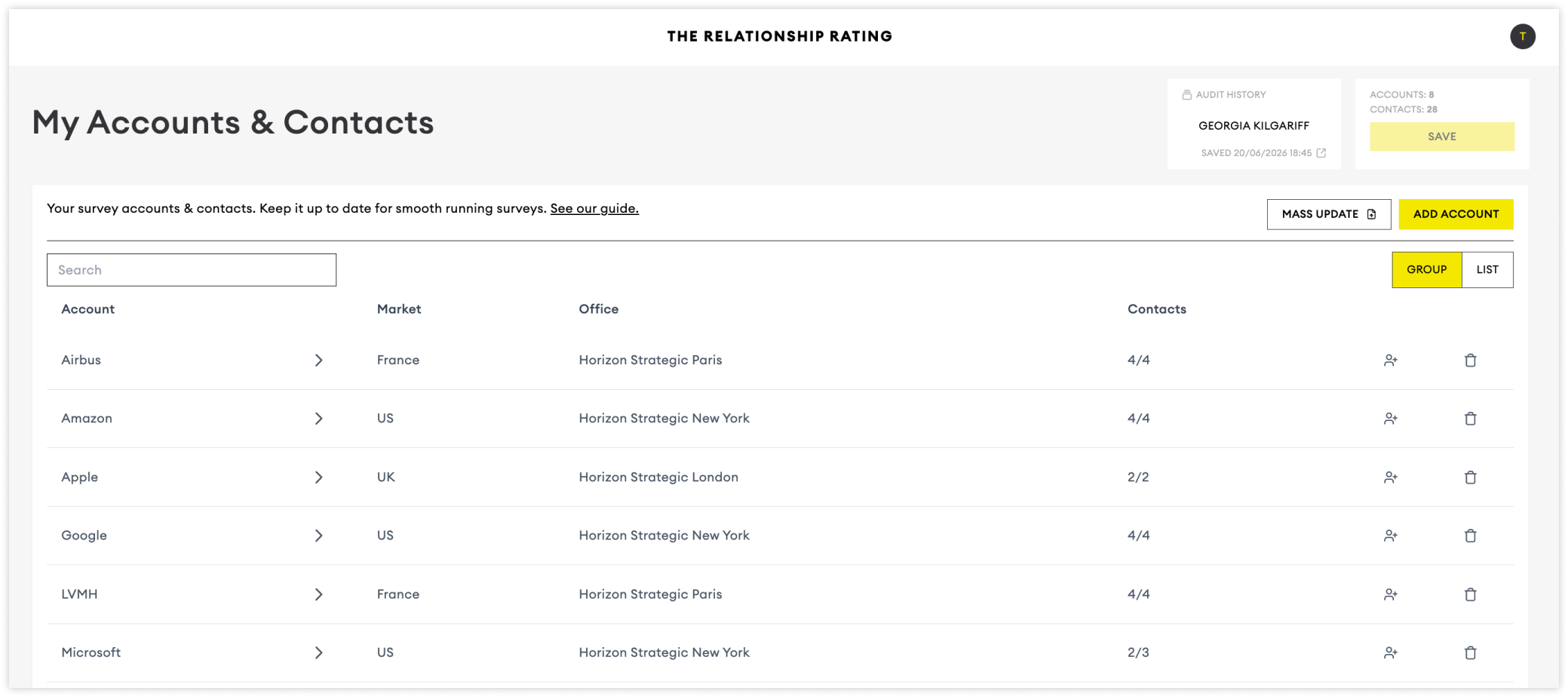
Adding Accounts & Contacts
Make sure your accounts and contacts are updated before starting a new survey.
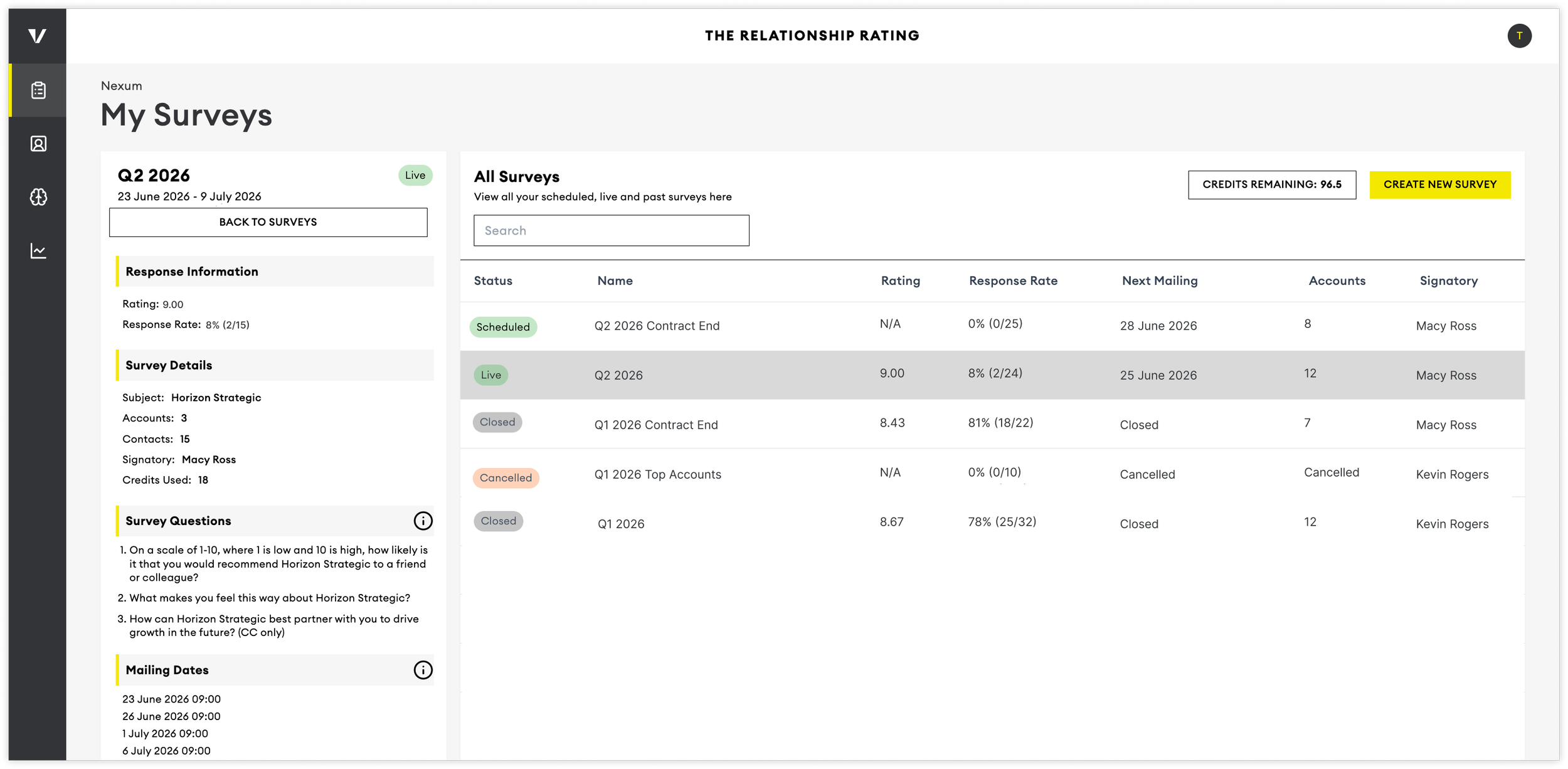
Tracking Survey Responses
Monitor response rates and progress throughout your survey to maximise participation and improve the quality of your insights.
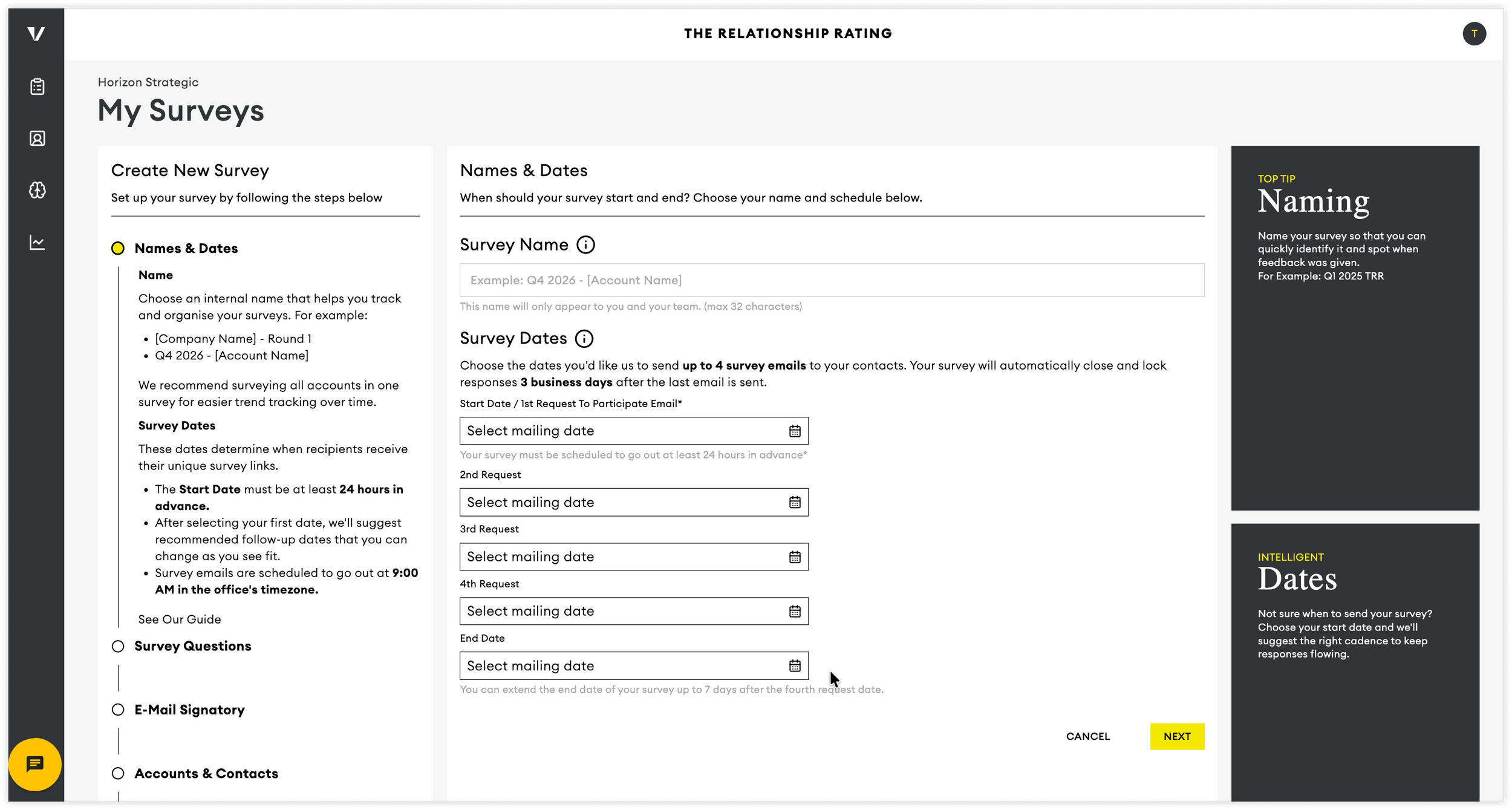
Setting Up Your Survey
Create, configure, schedule, and launch your survey with this step-by-step guide.
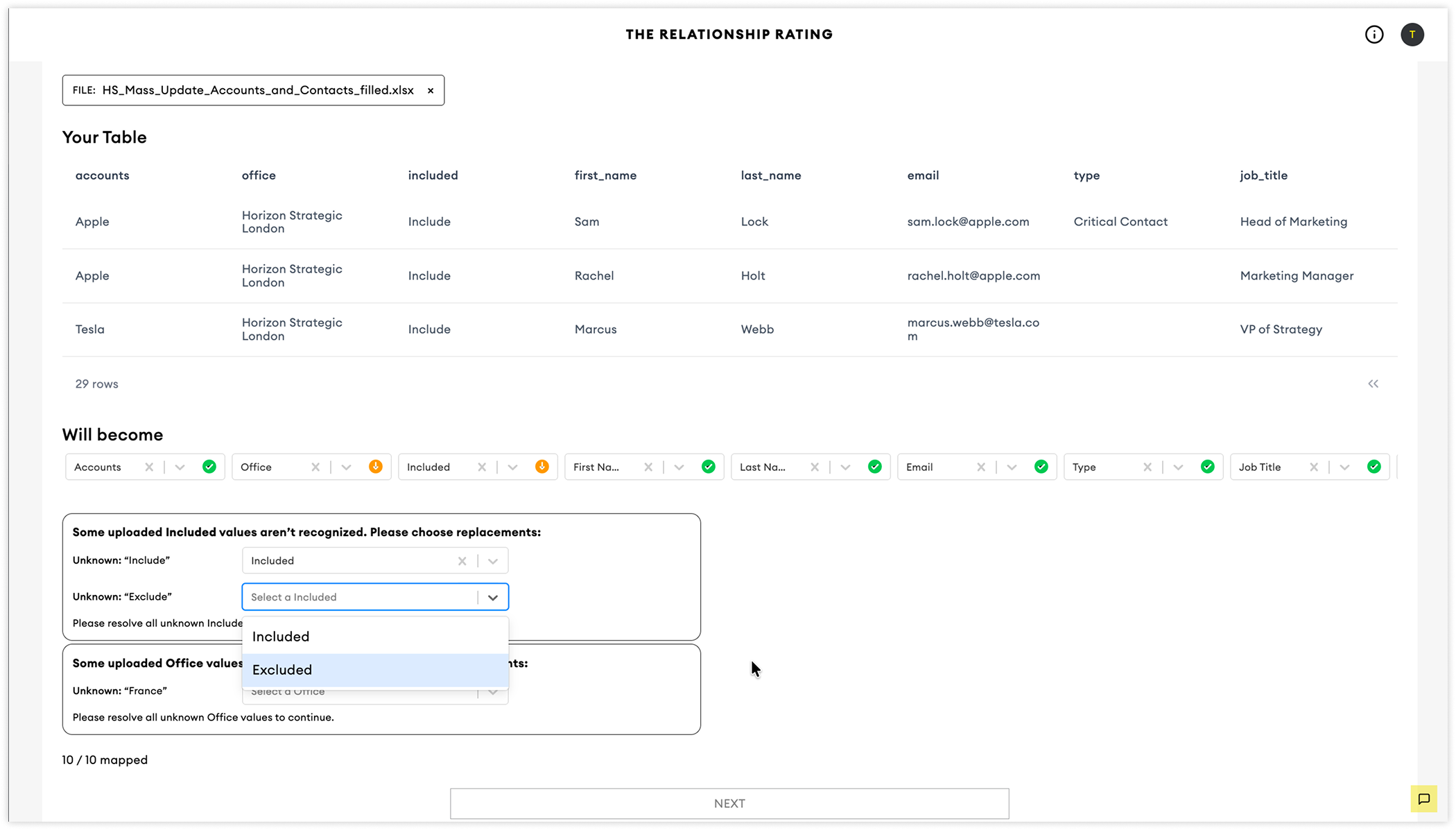
Mass Importing Accounts & Contacts
Import and update large volumes of accounts and contacts efficiently using the Mass Update tool.
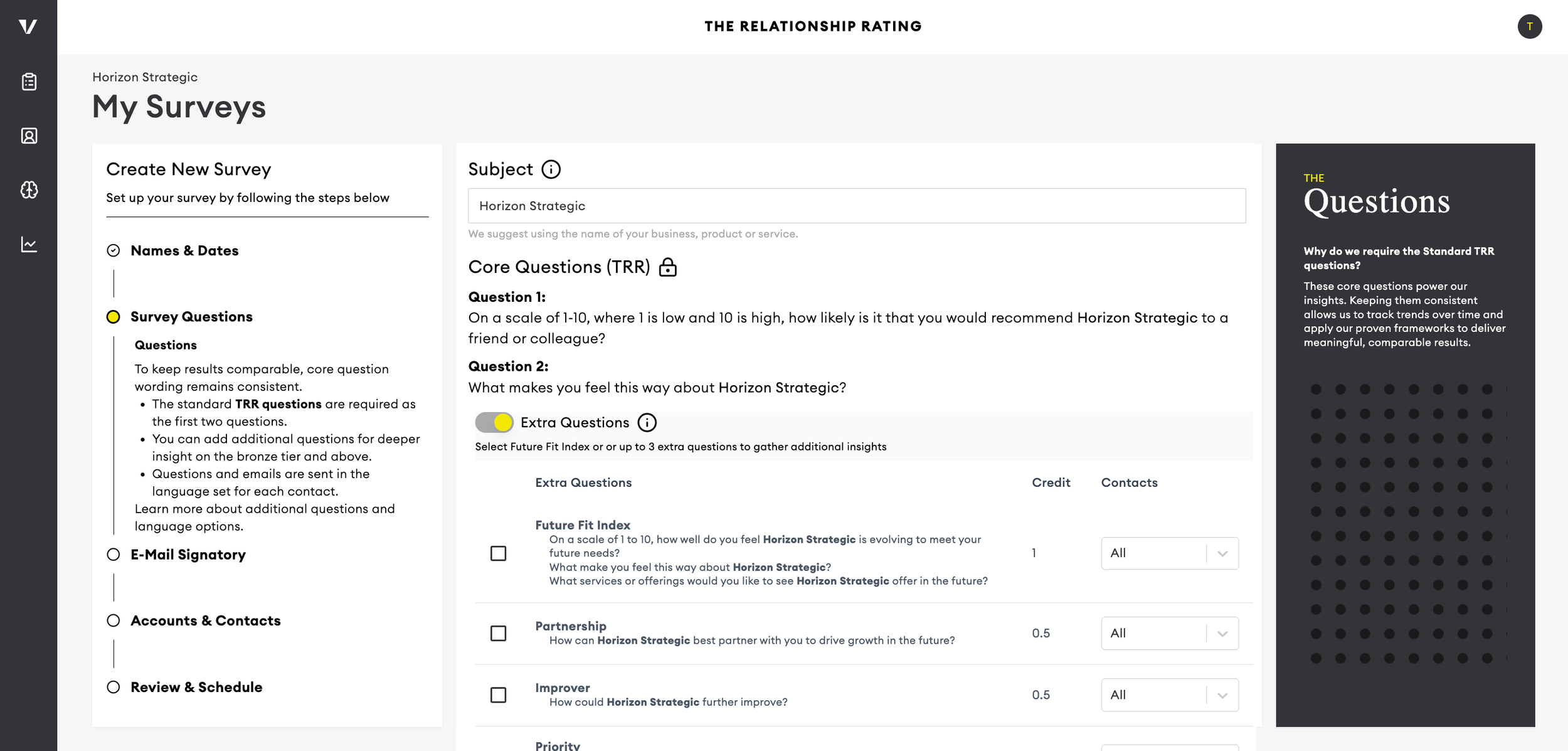
Choosing Extra Questions
Uncover specific opportunities, risks, and actions that can help strengthen client relationships and drive future growth.
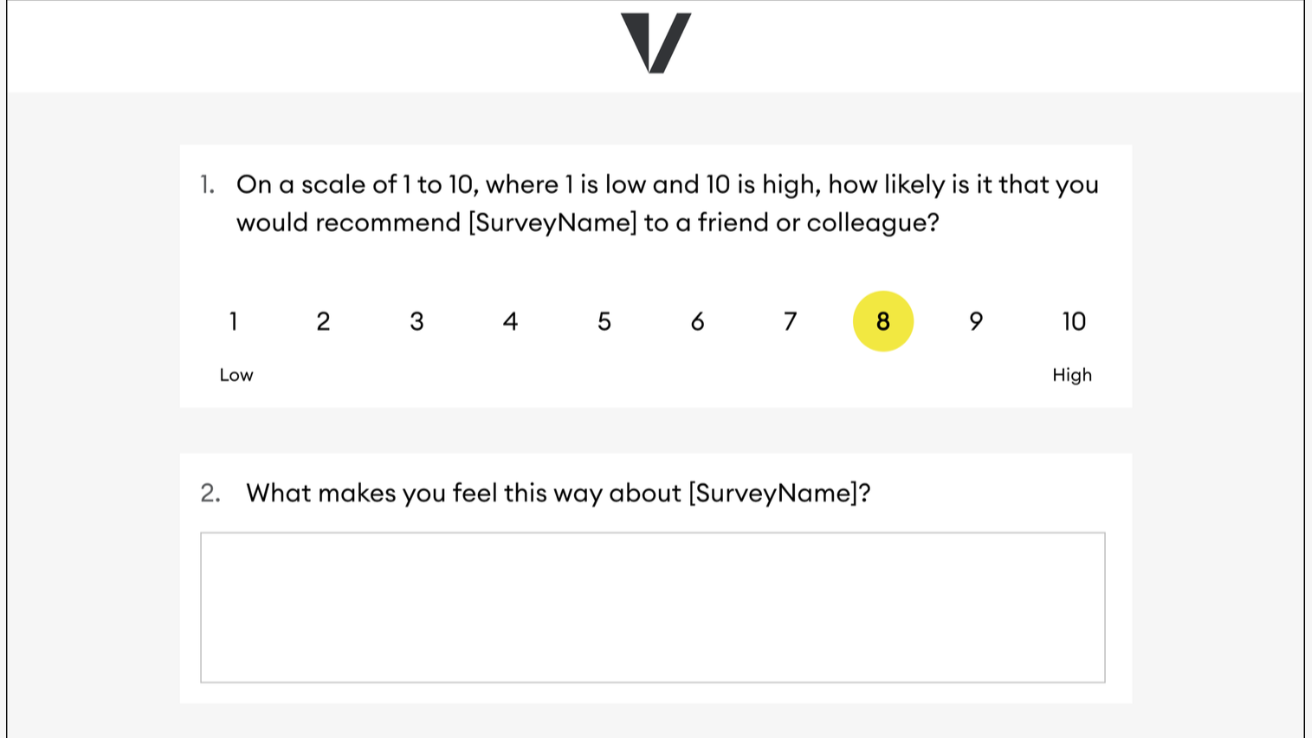
Survey Emails & Survey Design
Preview the survey experience from your participants' perspective, including emails, branding, and survey design.
Dashboard Views & Insights
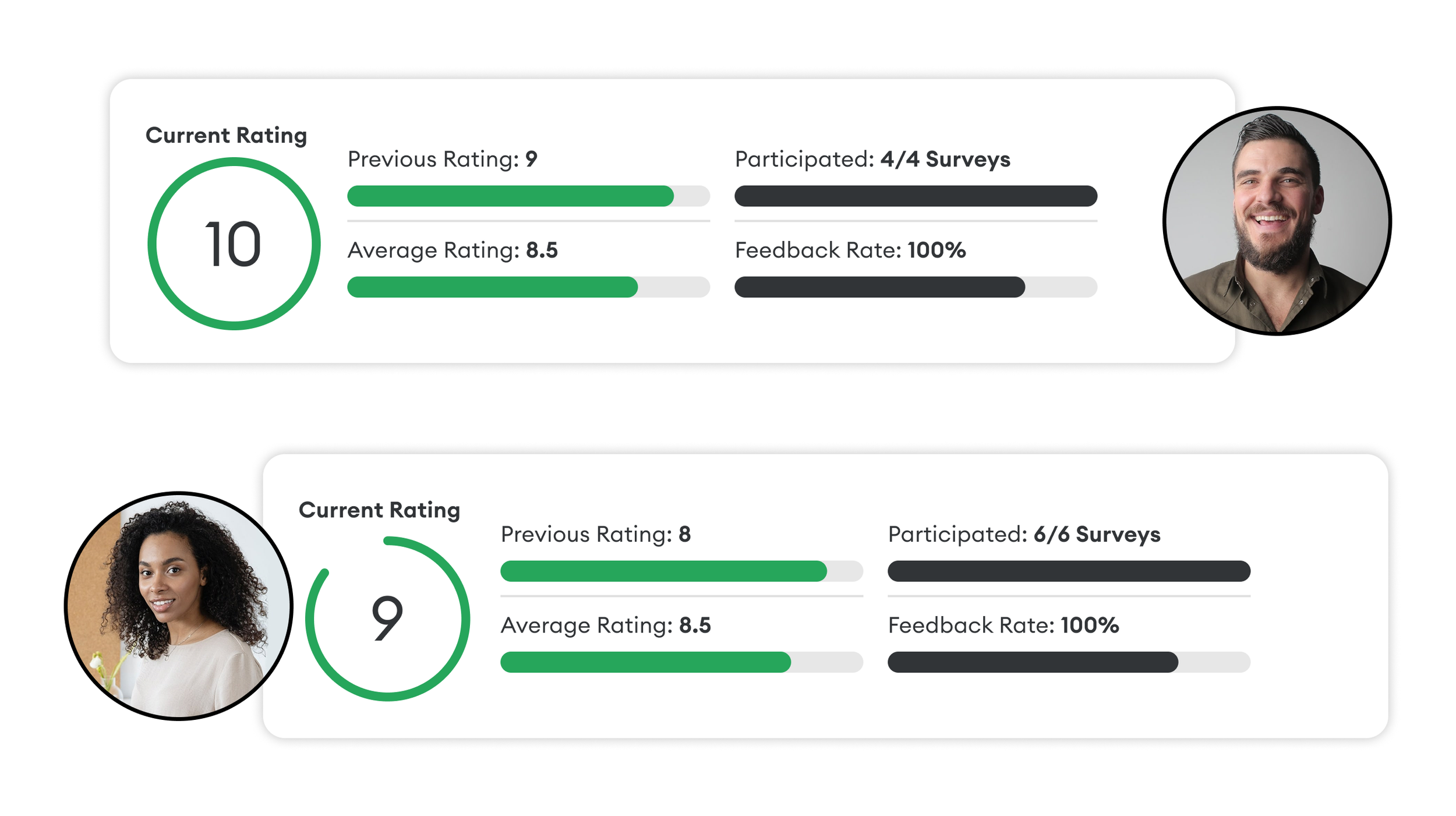
Identify Your Most Satisfied Clients
Recognise your strongest advocates to uncover opportunities for referrals, growth, and deeper relationships.
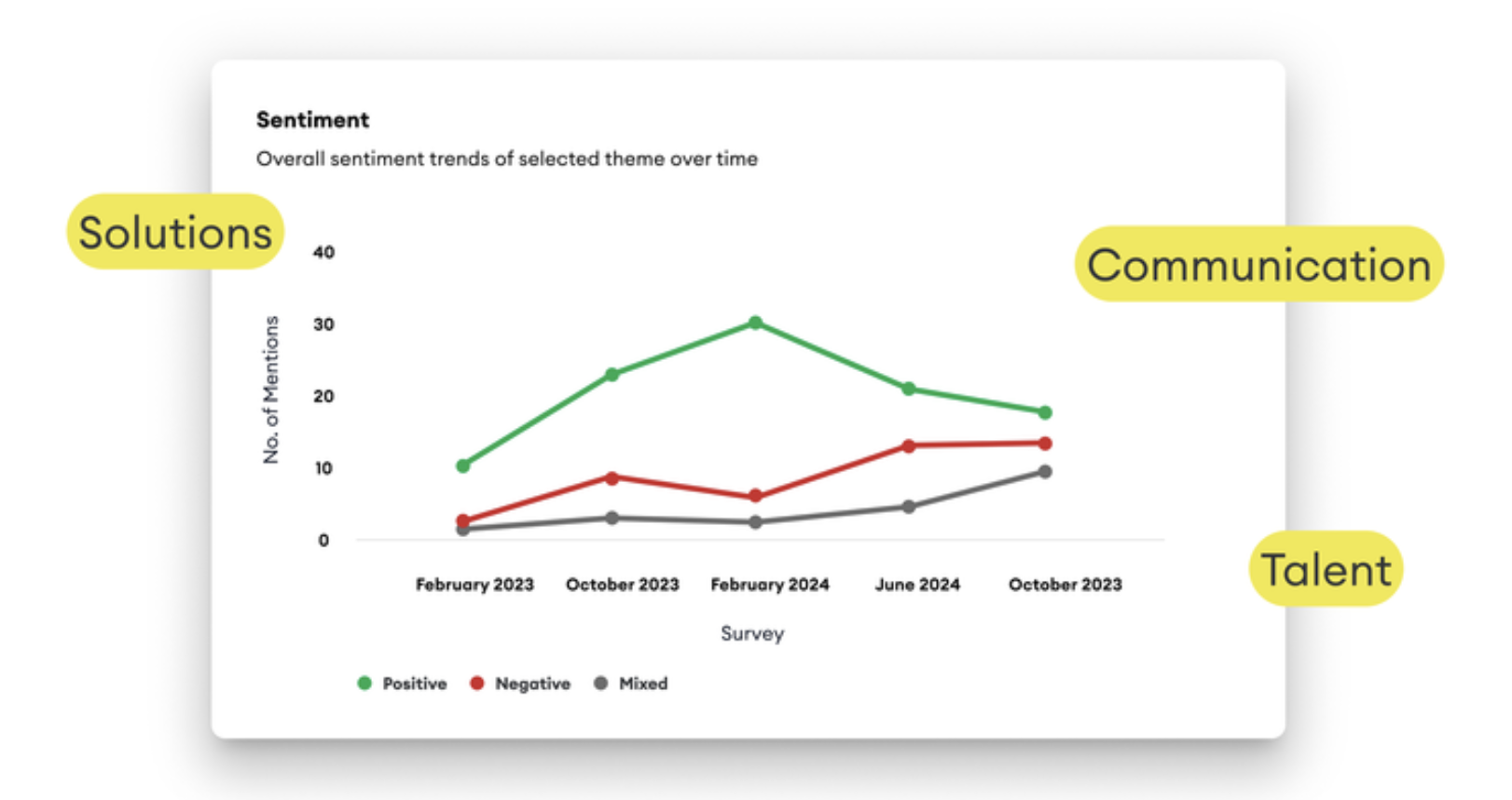
Identify the Drivers of Feedback
Discover the themes behind positive and negative feedback across customers, markets, and sectors.
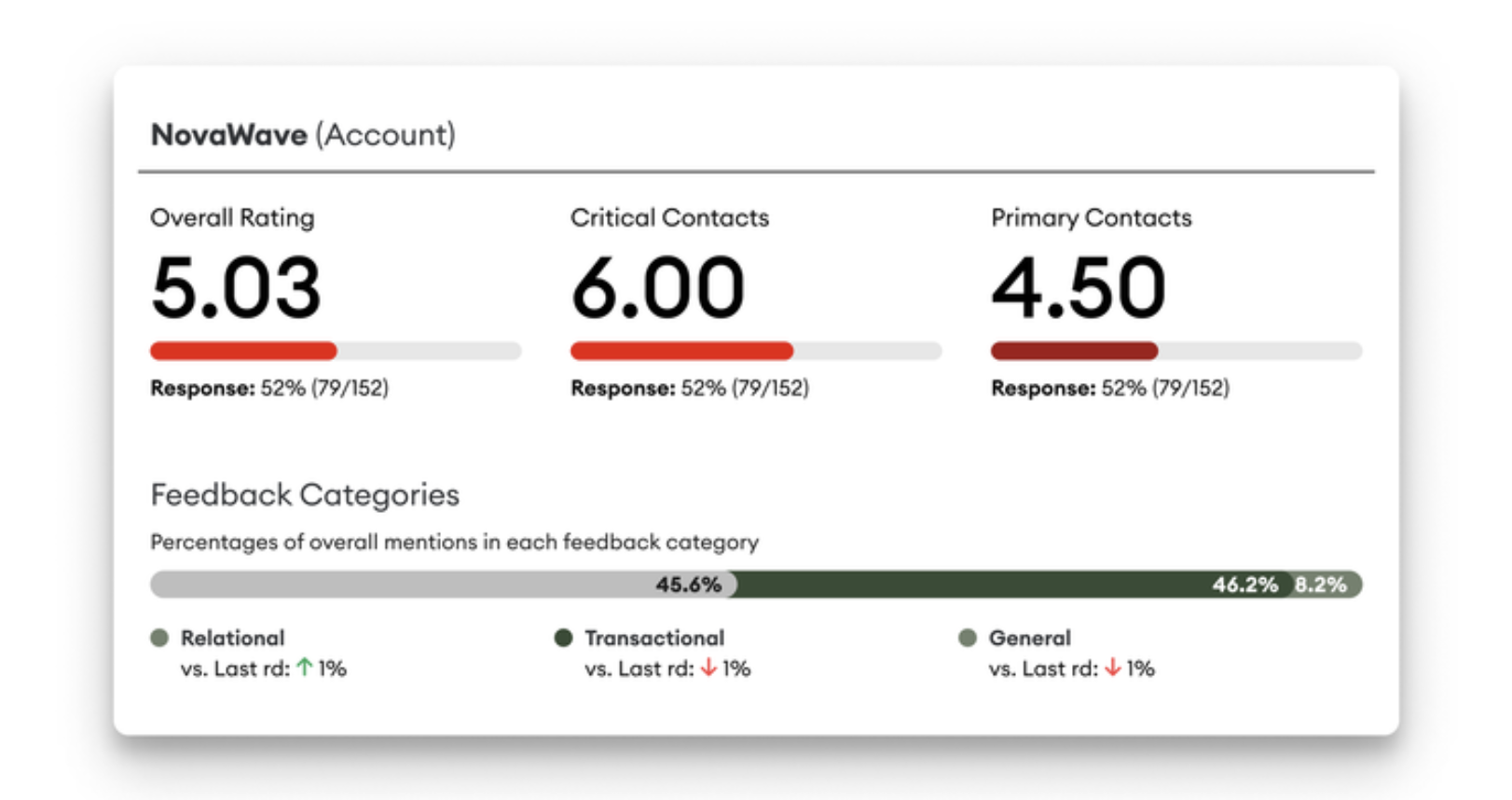
Identify Accounts at Risk
Spot dissatisfied or disengaged accounts early, understand the causes, and take action to reduce business risk.
Best Practice Guides

Talking to Customers About the Survey
Use these example messages and conversation starters to encourage participation and set clear expectations.

Talking to Your Team About TRR
Introduce TRR with confidence using practical principles that encourage engagement and action.
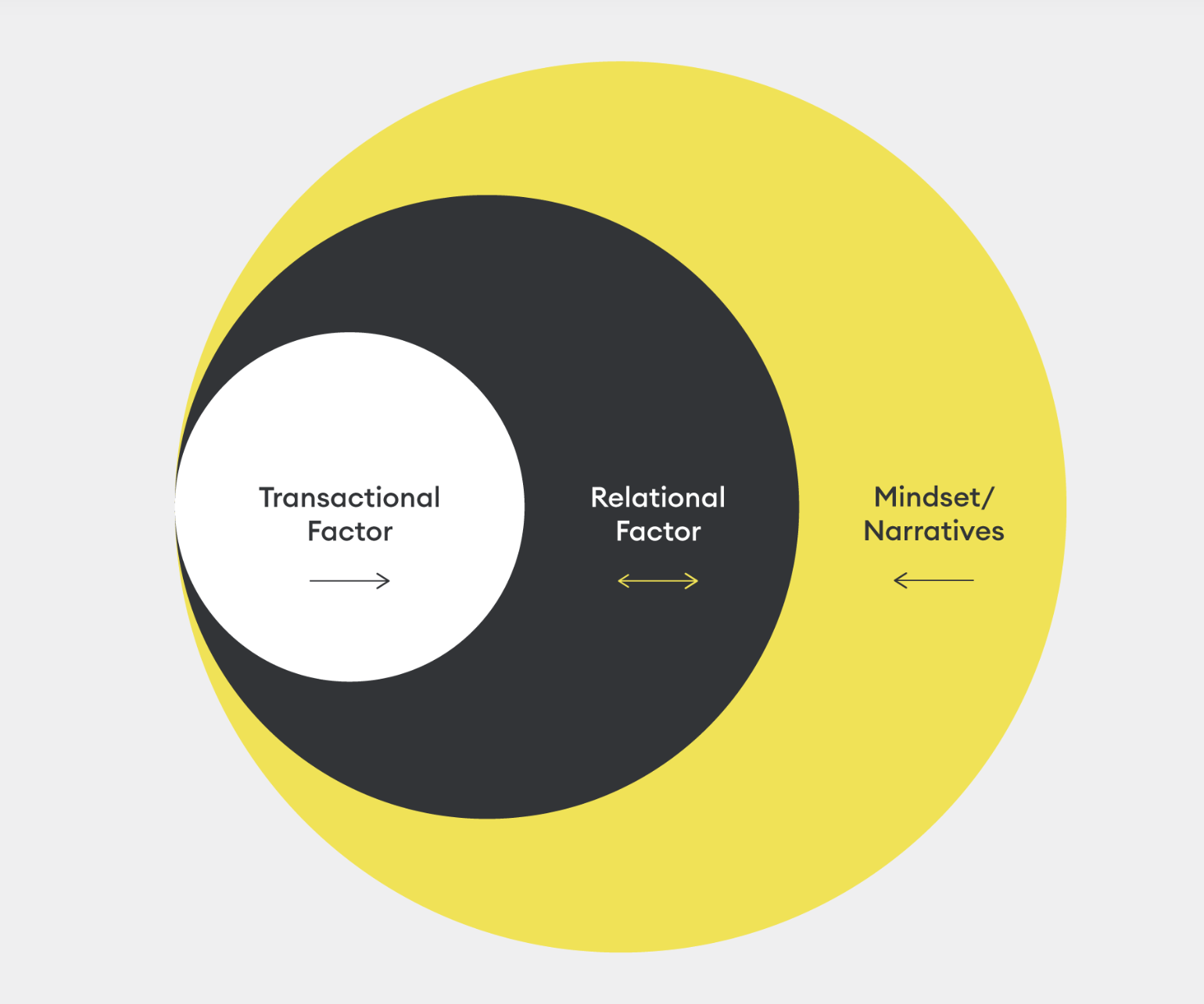
Ensuring Accurate Diagnosis & Feedback
Learn how to interpret feedback objectively before deciding on the most appropriate response.
Still need help? Contact us