HOME | ACCOUNTS | PANELS | SURVEY DESIGN | MANAGE RESPONSE | VIEWING RESULTS | ARTICLESSurvey Design
Here you will see elements of The Relationship Rating from the point of view of your Panel, including emails they will be sent and the look of the survey.
Email Timings
A maximum of four emails requesting contacts to participate in the TRR survey will appear to come from your company but will be sent via our system. Once a client has responded, they will receive no further emails.
They will include the signatory you confirmed during the Account Update stage.
You will be sent the exact timings of the emails each round.
All emails will be sent at 7:30 AM based on the timezone of the panel member.
Email Wording
Email wording varies based on your organisation’s industry to align with the tone of voice typical for that sector. You can view the wording for each sector by following the links below:
Survey Pages
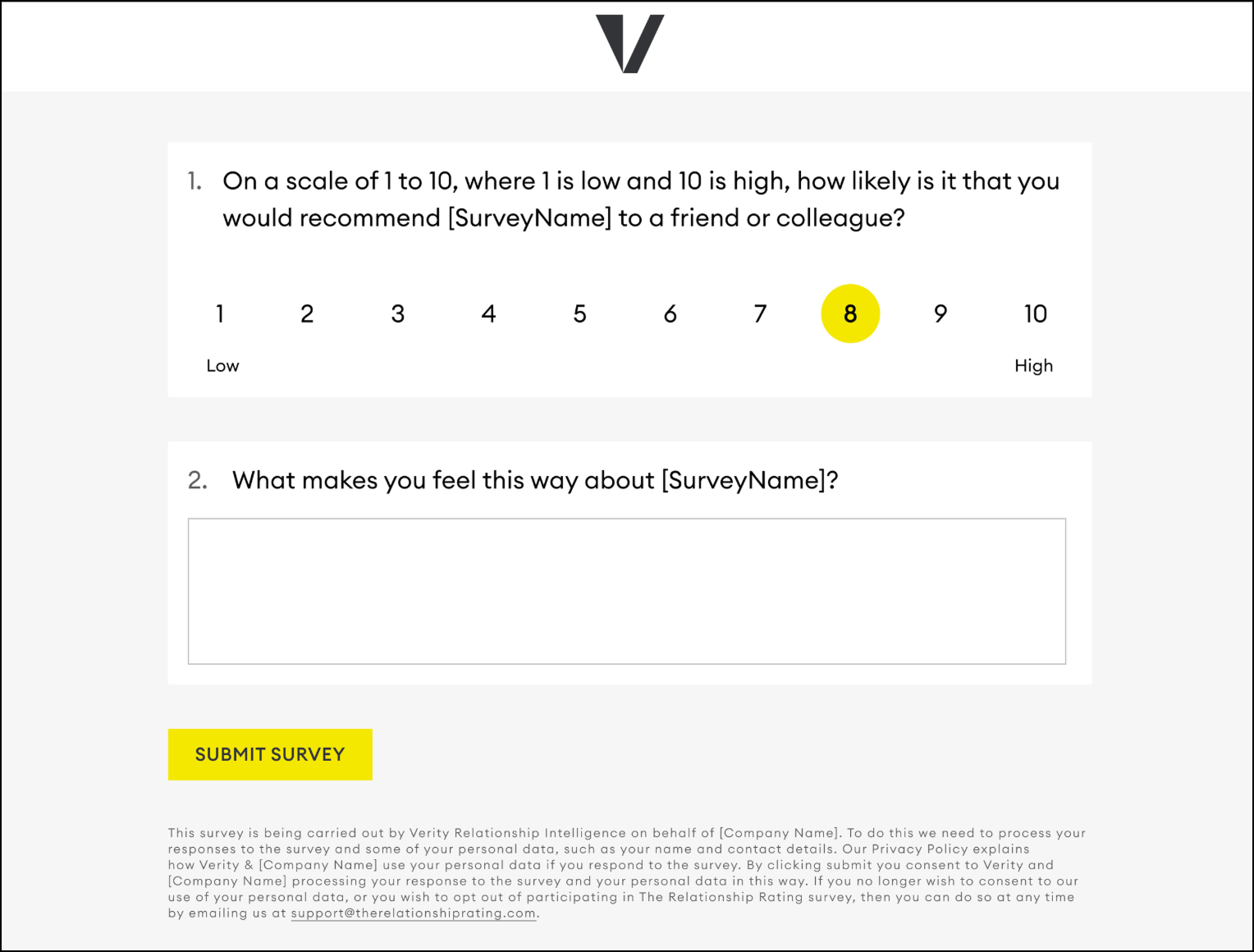
Here are examples of what the contacts in your Panel will see when they click the link to the survey provided in the emails. Please note this example does not show any potential extra questions that may have been agreed before the start of the round.
During live Survey:
Once feedback has already been given
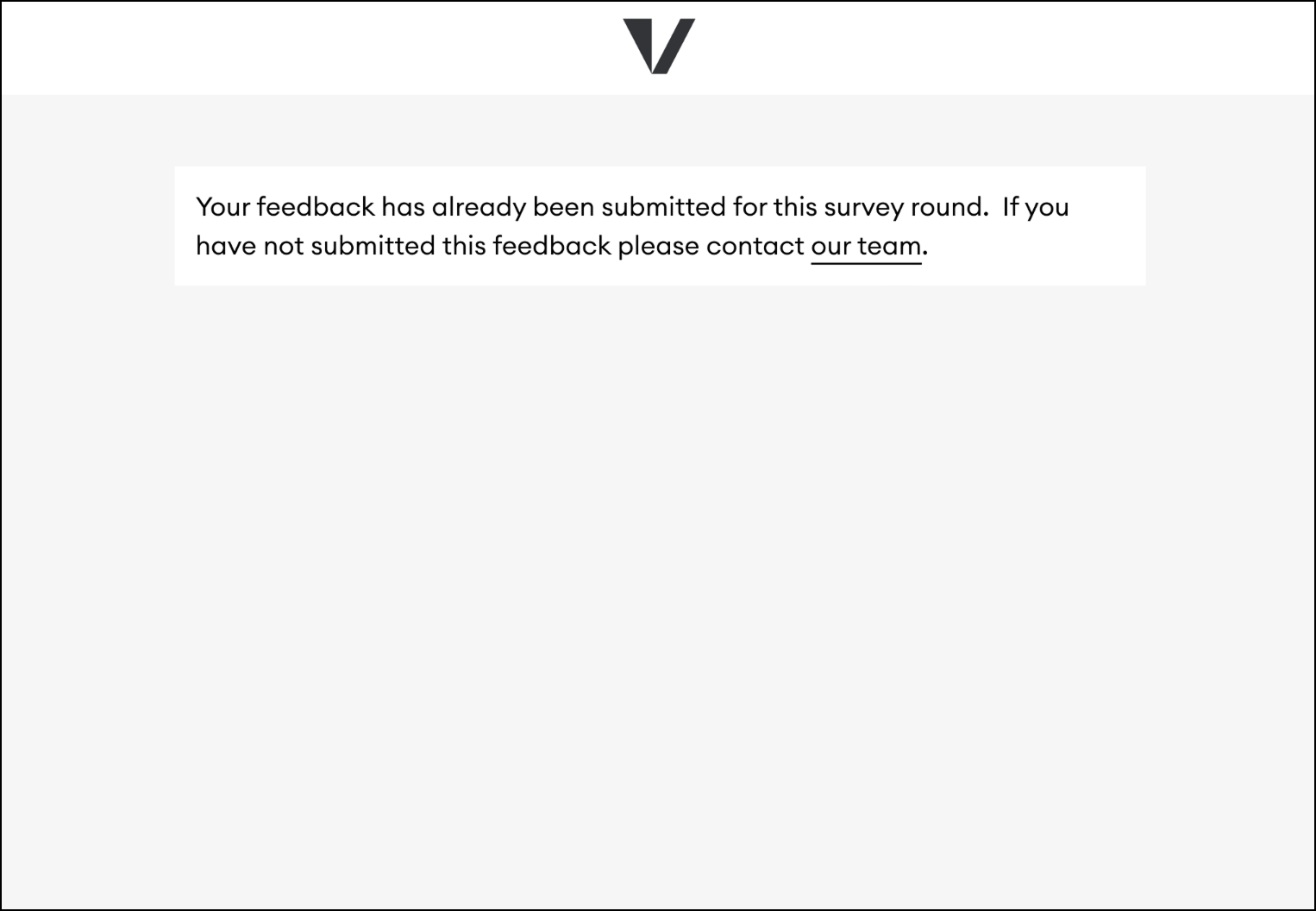
Every Panel Contact will have their own unique survey link, and the survey can only be completed once. This lets us know who submitted the feedback. Links to the survey should not be shared because of this.
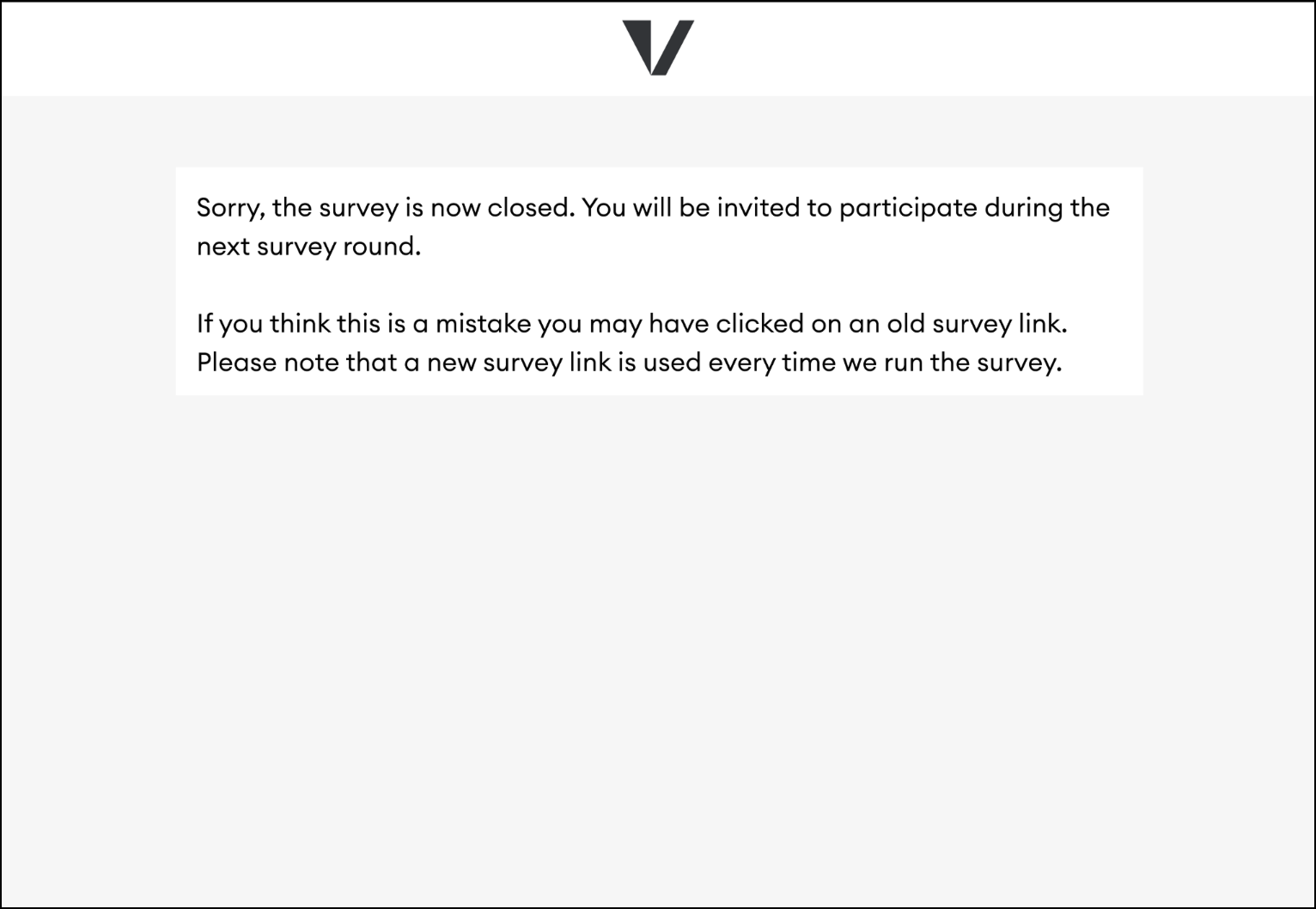
After the Live Survey close date
HOME | ACCOUNTS | PANELS | SURVEY DESIGN | MANAGE RESPONSE | VIEWING RESULTS | ARTICLES