WELCOME TOThe VerityRI Guide
Everything you need to know about The Relationship Rating, including the steps necessary to set up the survey, and how to understand and respond to the feedback it provides.


Updating Accounts
The Account Manager on your team updates and confirms Accounts and Markets at the start of each round.


Updating Panels
After accounts are confirmed, your team’s Panel Manager updates the panel contacts for those accounts.

Survey and Email Design
View the Relationship Rating from the point of view of your contacts

Survey goes live - Manage Response
The survey is sent, and you can manage your response rate as well as see real-time feedback come in on the dash board.

Survey is Complete - Viewing Findings On The Dashboard
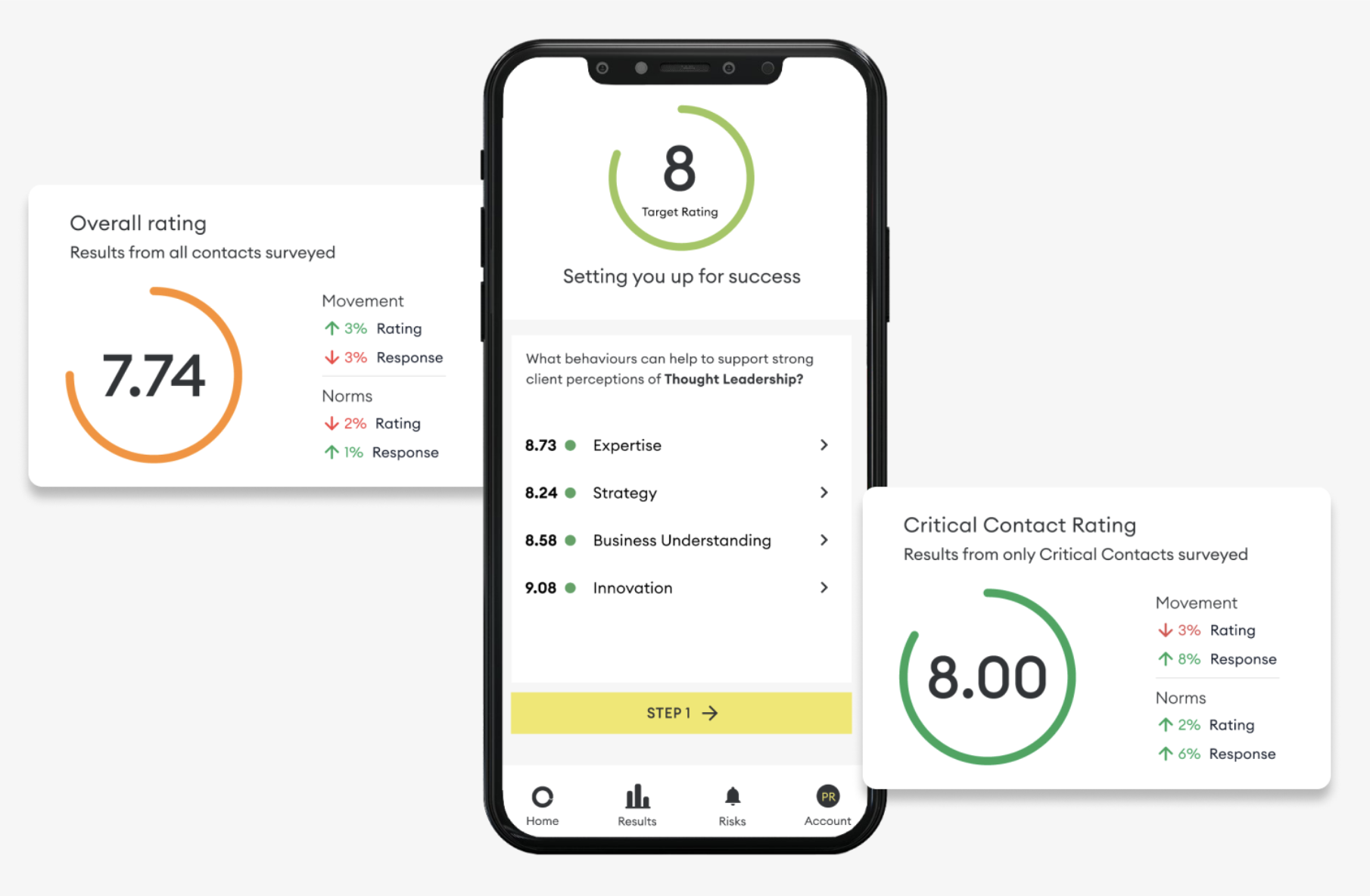
Everything you need to know about the Relationship Rating Dashboard Views.
Related Articles

How to talk to teams about TRR
Principles to follow when establishing TRR within your teams
How to Achieve a High Response Rate
The more clients that respond to the survey, the greater the insights.
Ensuring Accurate Diagnosis and Feedback
Take time to truly understand what is being said before responding.

Talking to Customers About The Survey
Here are some examples of texts that can be used as a guide.

Key Steps to Creating a Perfect Panel
How to create and maintain the perfect list of contacts.
Sharing Barometer feedback with clients
Sharing Barometer feedback with clients